 steambro
Blizzard games, in Steam.
steambro adds every game you installed with Battle.net to Steam, betas and test realms too. Steam's overlay, your controller layout, and playtime work, and Battle.net closes after you play.
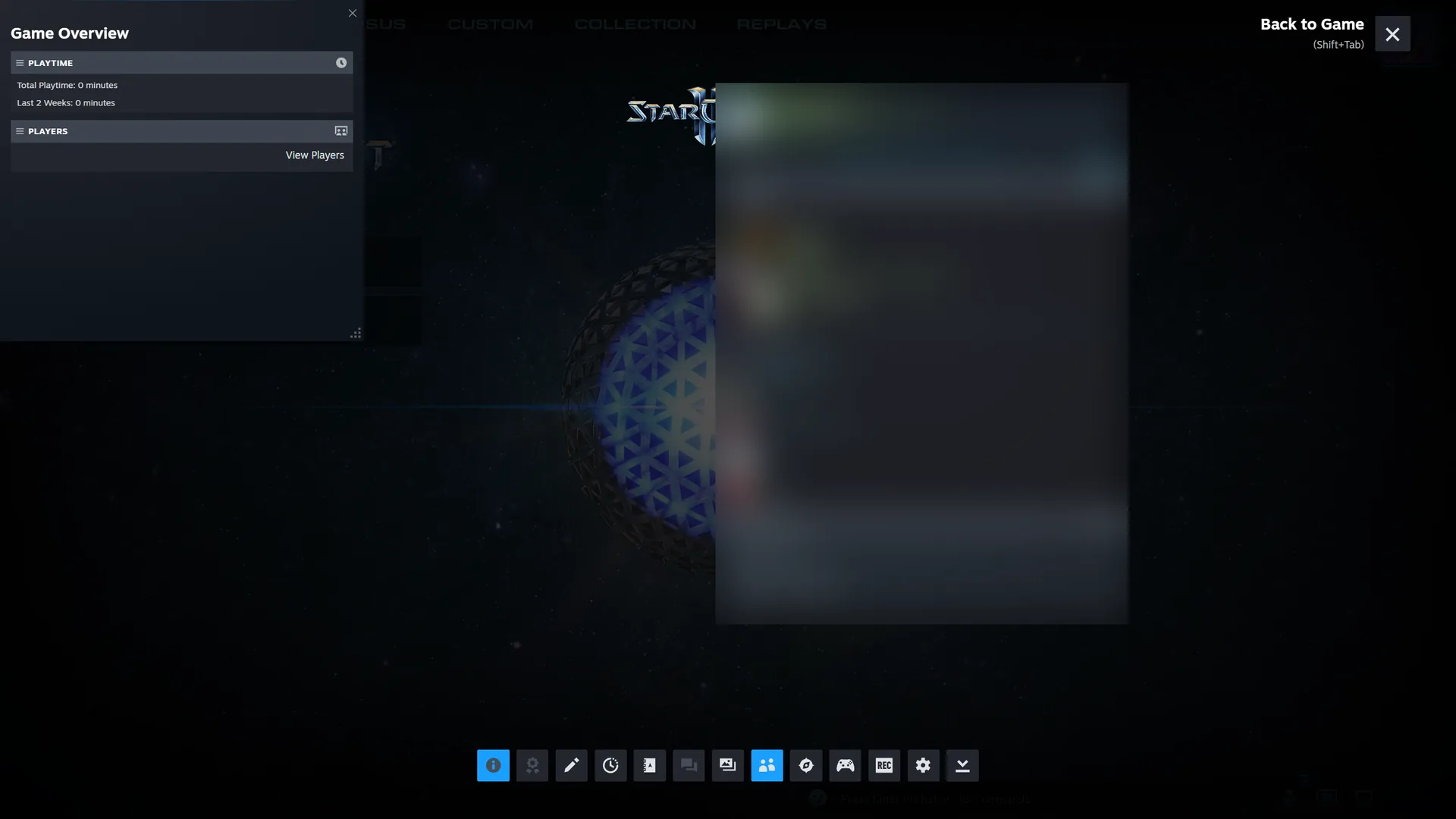
Battle.net takes the game and runs.
A Battle.net shortcut either opens the game's page or hands the launch to a running Battle.net and quits. Either way, Steam loses the game.
And a Battle.net that's already open starts the game outside Steam.
It runs Battle.net inside Steam.
Reads Battle.net's own files
Its install database and catalog cache. Names, launch codes, and artwork come from there. Old game folders on your disk never show up.
Signs in first
A closed Battle.net starts inside Steam's launch. steambro waits for the sign-in, up to 5 minutes if you type a password, then launches the game.
Stays until the game closes
Then Battle.net closes too, if steambro opened it. Steam counts the time.
Battle.net already open?
steambro asks once and restarts it through Steam.
Battle.net's artwork
Cover, header, logo, wide cover, and icon, from the images Battle.net already downloaded.

Your Blizzard games. In Steam.
Free. Windows 10 or 11 with Steam. Mouse and keyboard or controller.