 steambro
Netflix, in Big Picture.
Netflix, Prime Video, and Apple TV in your Steam library. Add them in the Xbox app, and steambro adds them to Steam next to your games. They open in full screen, like on a TV.
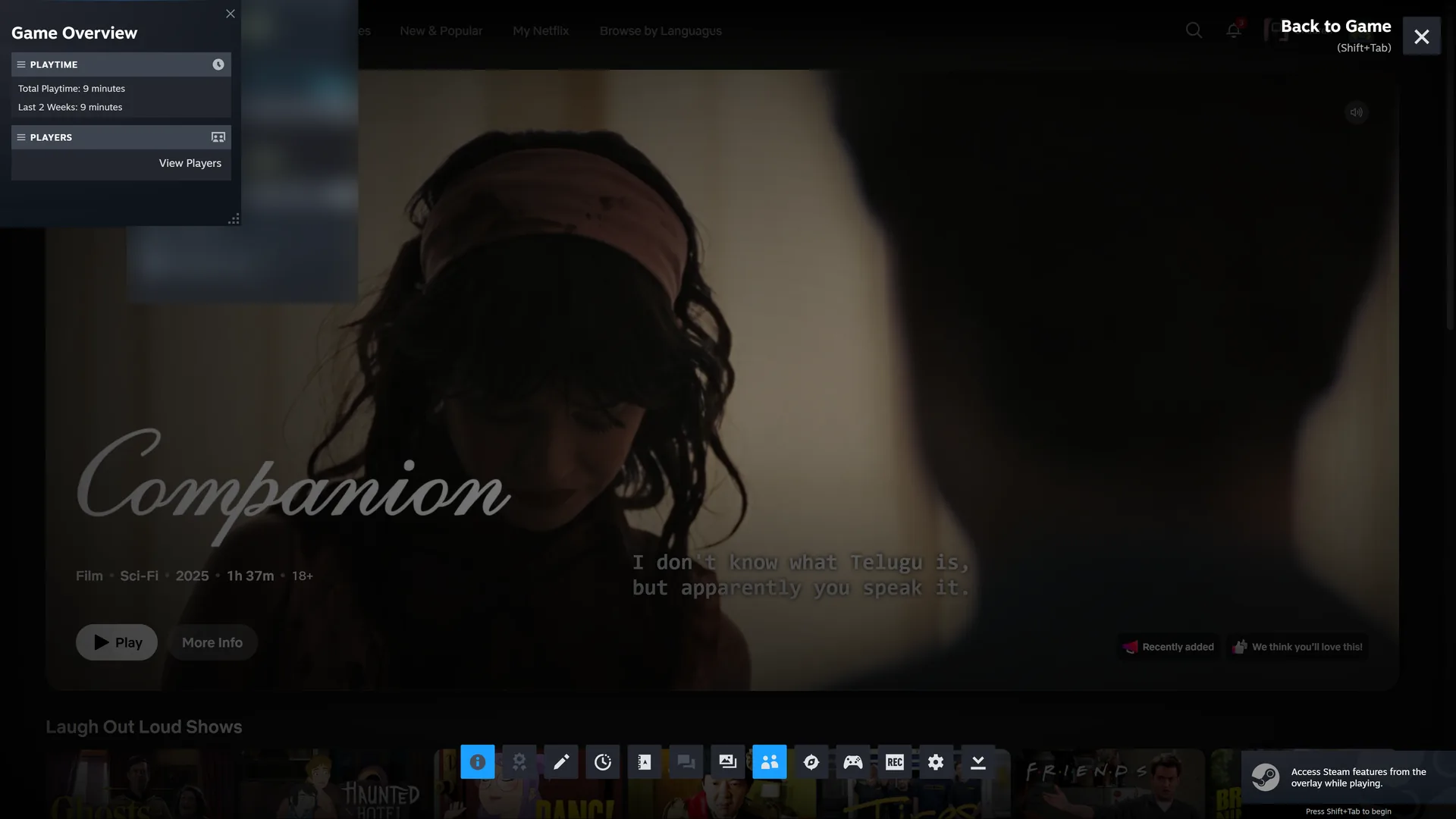
A shortcut opens a window. That's it.
Netflix and Prime Video are web apps that Microsoft Edge runs. Windows starts them outside Steam's launch, so Steam's overlay doesn't reach them, and the shortcut ends right away.
Then you reach for the mouse to make the window full screen.
Apps work like games.
From the Xbox app's library
Add an app to your library in the Xbox app. steambro finds it there, next to your games.
Full screen
The app opens without a title bar or taskbar.
Steam's overlay
Shift+Tab or the Steam button opens it over the app.
Controller as mouse
With a controller, Steam's desktop layout gives you a mouse and keyboard.
Playtime
Steam counts the time, like any game.

Couch, controller, Netflix.
Free. Windows 10 or 11 with Steam. Mouse and keyboard or controller.