 steambro
Your GOG library, in Steam.
steambro adds the games you installed with GOG Galaxy or GOG's installers to Steam, with GOG's own artwork. They start from Steam, not from Galaxy, so Steam's overlay and your controller layout reach them, and Steam counts the time.
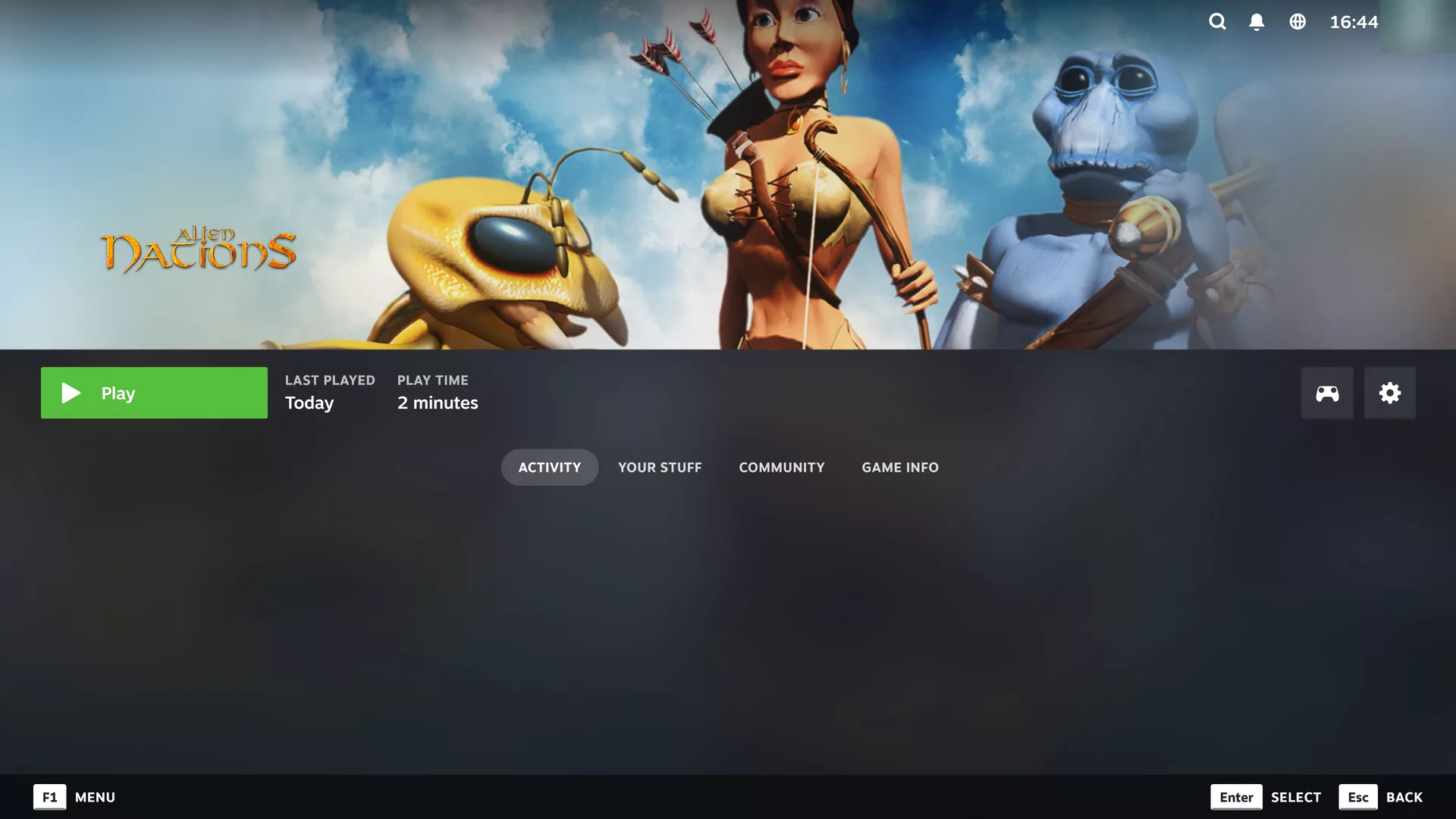
Galaxy's shortcut starts Galaxy.
GOG Galaxy's shortcuts open Galaxy, and Galaxy starts the game. Steam follows Galaxy, not the game.
Add the game's exe by hand, and it works. With gray boxes for artwork, one game at a time.
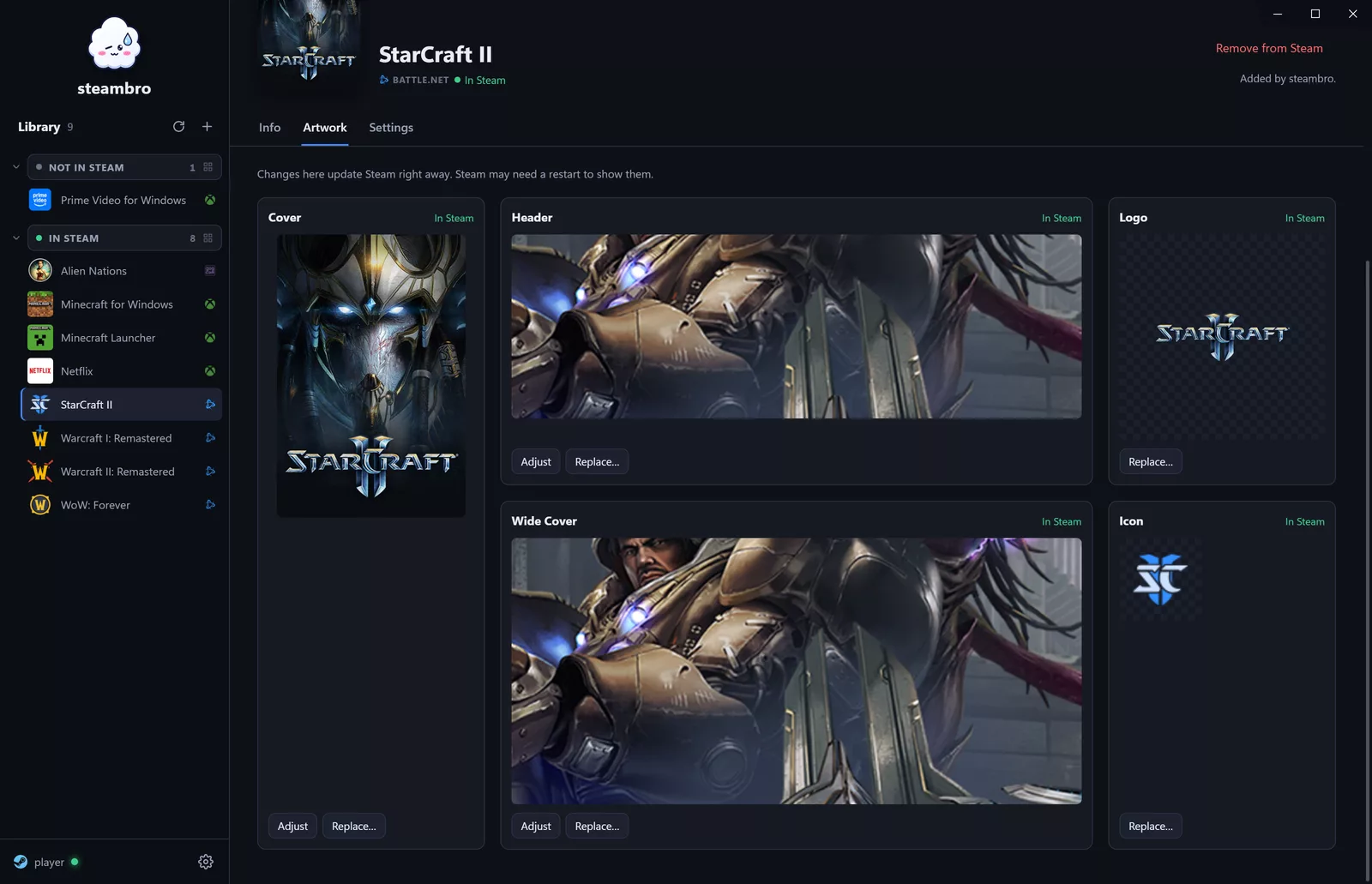
It starts the game itself.
Reads GOG's records
The registry entries that GOG Galaxy and GOG's installers leave, and each game's play task. DLCs stay out. No disk scan.
Starts the game's exe
GOG games have no DRM, so steambro starts the game the way its play task says, inside Steam's launch. No Galaxy needed.
Takes GOG's artwork
Cover, header, logo, and wide cover from GOG's catalog. The icon from the game's folder.
Stays until the game closes
Steam shows the game as running and counts the time. Stop in Steam ends it.

Your GOG games. In Steam.
Free. Windows 10 or 11 with Steam. Mouse and keyboard or controller.