 steambro
Game Pass games, in Steam.
steambro adds your Xbox app and Game Pass PC games to Steam. Your Steam controller layout reaches them, gyro and trackpads included. So do Steam's overlay, playtime, and Exit game.
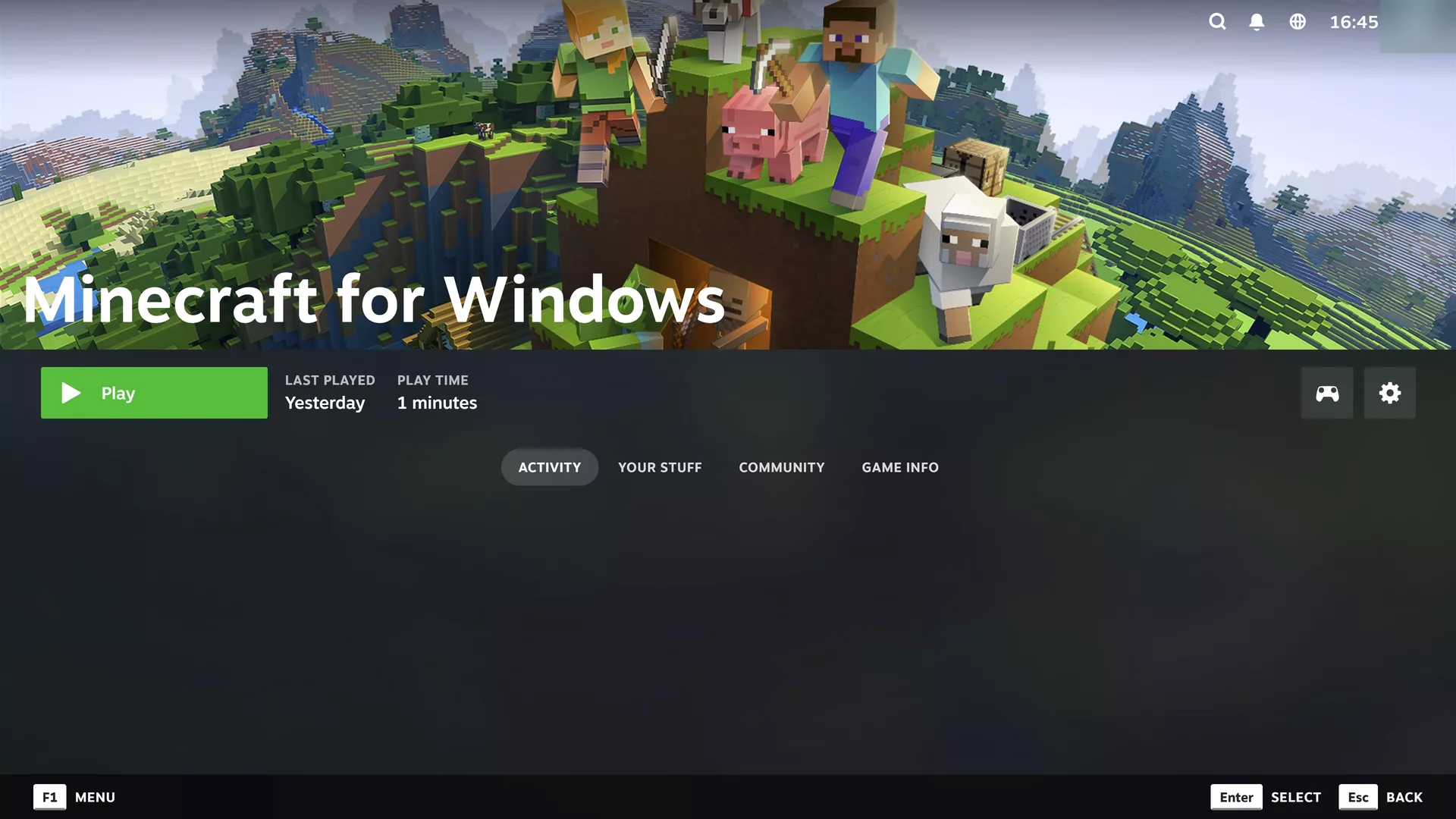
Steam never sees an Xbox game.
Windows starts Xbox games, not the program that asks for them. Even when Steam runs the game's launcher, Windows creates the game's process outside Steam's launch.
So Steam's overlay never loads, and your controller stays on Steam's desktop layout: mouse and keyboard. Pointing Steam at the game's exe skips the package, and the package is what Xbox sign-in, cloud saves, and the license check.
It stands in for Steam.
Starts it like the Start menu
The game keeps its package identity, so Xbox sign-in, cloud saves, and your Game Pass license work as usual.
Stays until the game closes
Steam shows the game as running and counts the time. Exit game ends it.
Steam's overlay on top
The overlay gets a window of its own over the game. Shift+Tab or the Steam button opens it.
Your Steam Input layout
It reaches the game as a virtual Xbox 360 controller, through the ViGEmBus driver. Only non-Xbox controllers need it, like the Steam Controller. Get it from the official installer.
Microsoft Store artwork
Cover, header, wide cover, and icon from the store's own images, cut to Steam's sizes.

Your Game Pass library. In Steam.
Free. Windows 10 or 11 with Steam. Mouse and keyboard or controller.