 steambro
Your Epic library, in Steam.
steambro adds the games you installed with the Epic Games Launcher to Steam. Steam's overlay and your controller layout reach them, Steam counts the time, and the launcher closes after you play.
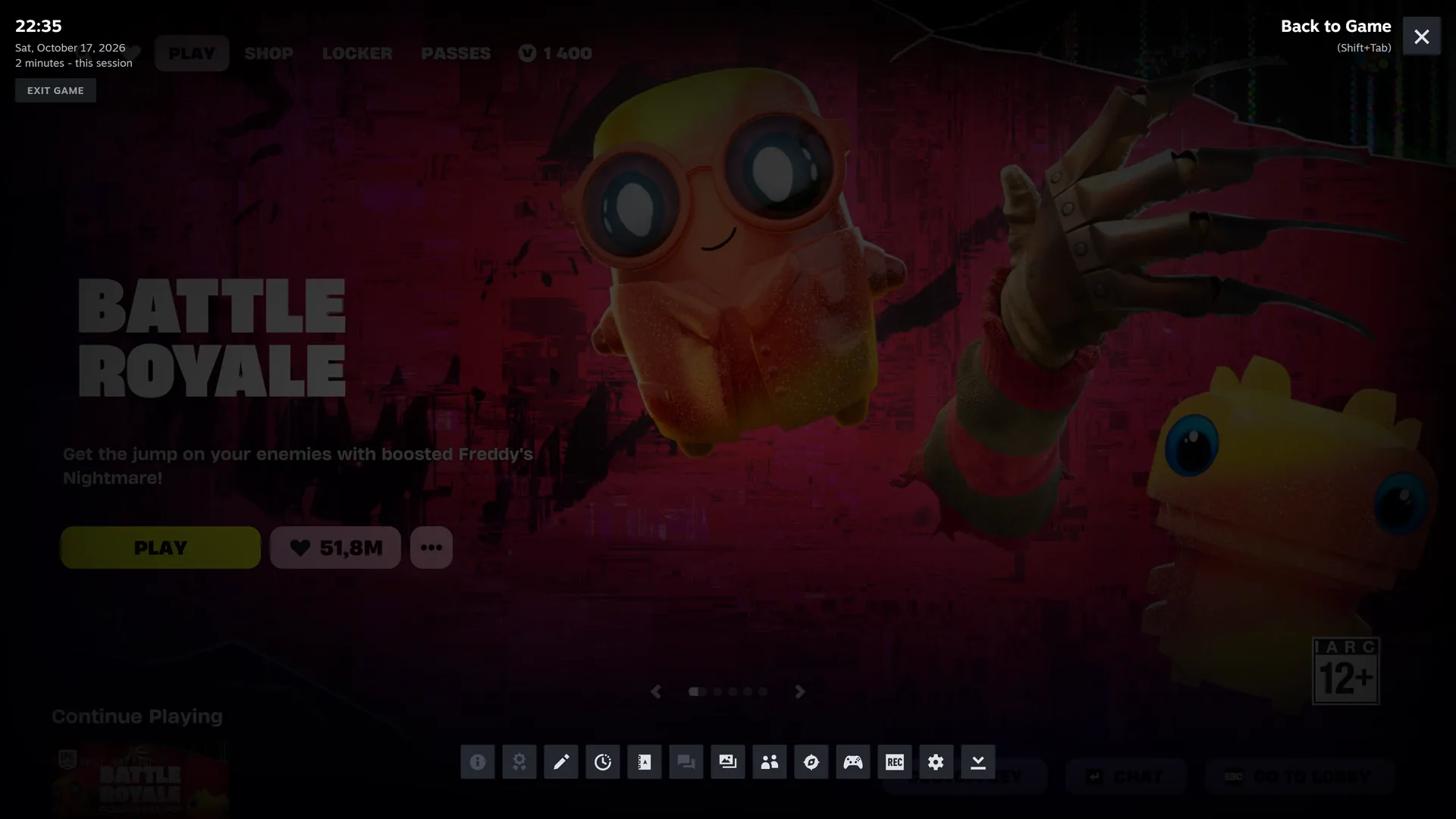
The launcher takes the game and quits.
Give Steam a game's launch link, and the Epic Games Launcher starts the game while the shortcut ends at once. Steam thinks you stopped and counts nothing.
If the launcher was already open, the game runs outside Steam: no overlay, no Steam Input.
It starts the launcher inside Steam.
Reads the launcher's records
Install manifests for the games, the launcher's catalog cache for the artwork. No disk scan.
Starts the game the official way
With the same link as Epic's own desktop shortcuts. A closed launcher opens inside Steam's launch, signs in, and starts the game.
Waits for the game
Up to 5 minutes, in case the launcher updates first. Then it stays until the game closes.
Closes the launcher
If steambro opened it. Not while it downloads.
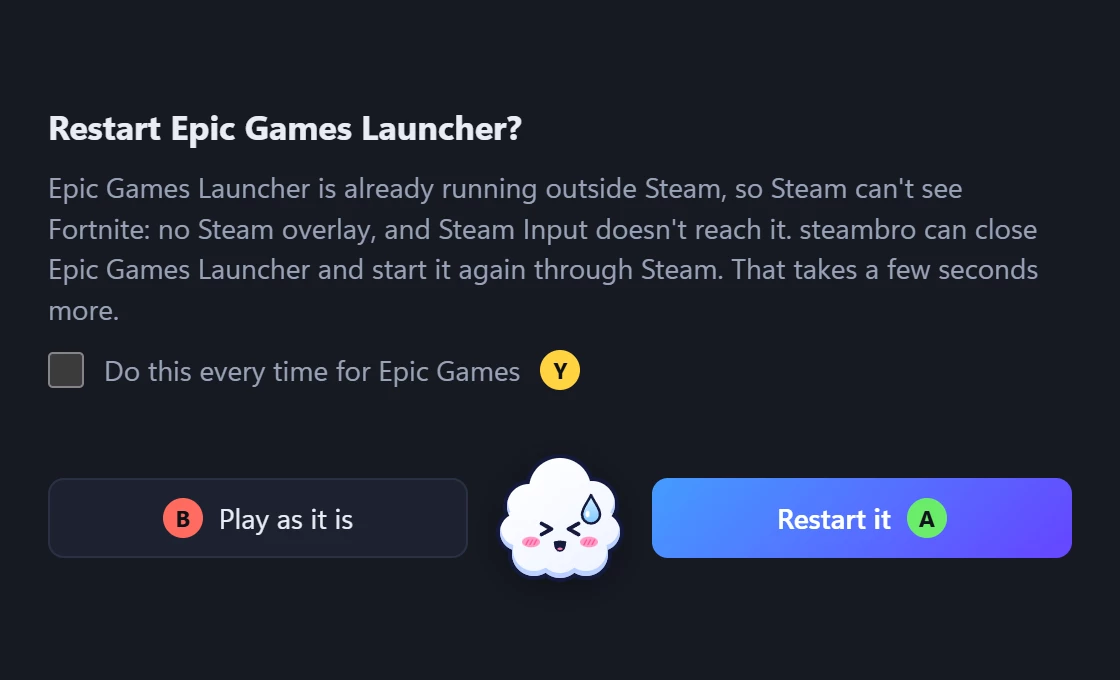
Launcher already open?
steambro asks once and restarts it through Steam. Or set it to always restart, or to leave it.

Your Epic games. In Steam.
Free. Windows 10 or 11 with Steam. Mouse and keyboard or controller.